Simulator Status - Graphics Display
When the Graphics radio button is pressed, the status information displays the most recent data. The list box below the Graphics button is used to select a channel and subsystem for display.
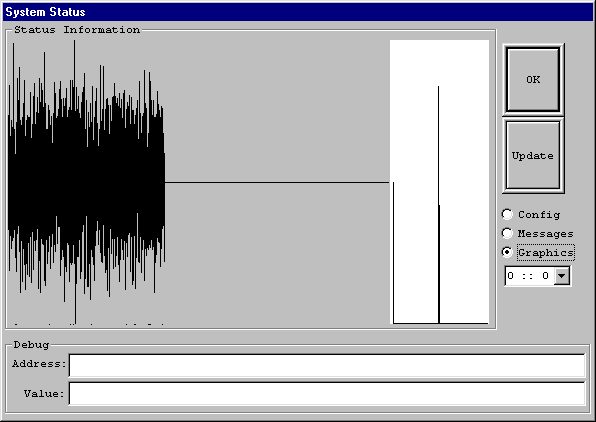
The display consists of 2 parts. The first part shows the full amount of data as defined by the current network window. This data is scaled to maximize the screen area allocated. The second part is a zoomed in version. The zoom point is modified by clicking the left mouse button inside the graphic area.
When the Update button is pressed the graphic area is rewritten with new data. When the Graphics button is pressed the graphic area is erased and then rewritten with new data.
