


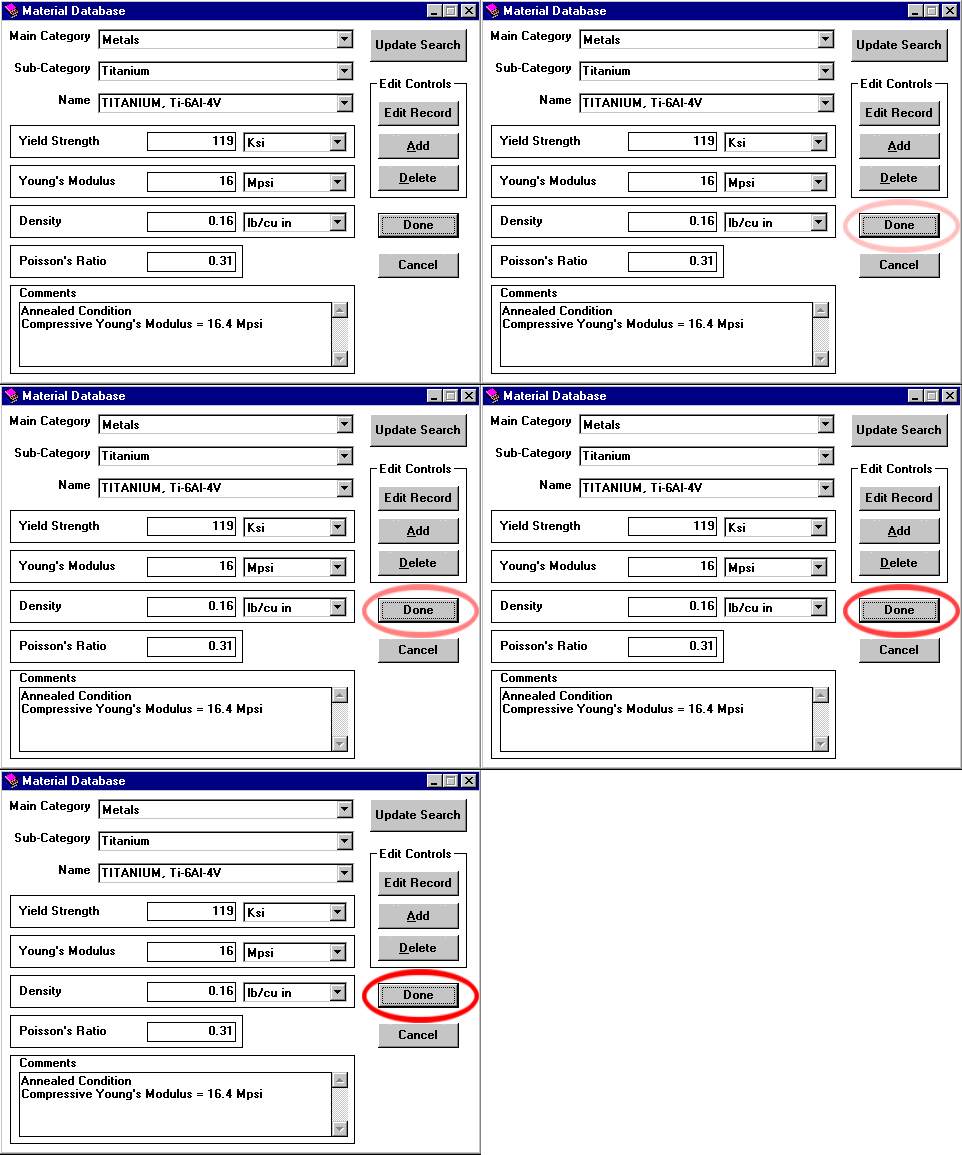
Clicking the Choose button in the Application window opens the Materials Database Dialog Box.
Here, the designer selects the material type from the Main Category.
Given a choice of All, Ceramics, Glass, Metal, or Plastic, he chooses Metals, then selects Titanium from the Sub-catagory, then chooses a specific titanium, Ti-6Al-4V, from the Name box.
Notice how vital information regarding the particular material's properties is automatically displayed.*
If a material is required that is not in the database, he can use the Edit Controls feature to add and store virtually any material to the database.
Once the material is chosen, the designer clicks on Done, and is returned to the Application Box.
 Copyright © 1998, All Rights Reserved, DeepSea Power & Light