Code Outlining
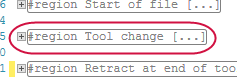
Code Editor automatically identifies code blocks and organizes them into collapsible regions. You can identify this region by a hyphen connected to a vertical line that outlines the code block, as seen in the following figure:
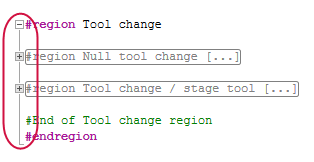
Click the hyphen to collapse the region to a single line, giving more screen space for the code you need to see: