Mastercam Licensing
Mastercam uses one of three license types to run: HASP, NetHASP, or software. HASPs and NetHASPs are hardware licenses, meaning they are licenses stored in a physical USB plug-in device. The software license is digital and is managed by CodeMeter.
-
If you are using a HASP or NetHASP, refer to the Mastercam 2026.R2 Administrator Guide.
The Administrator Guide is located in the /documentation folder of your Mastercam installation directory. The guide can also be downloaded from the Software Licensing Center on myMastercam.
- If you are using a software license, refer to the Software Licensing Guide supplied with the Mastercam Licensing Utilities. This guide is accessed by selecting Help in the Activation Wizard. The guide can also be downloaded from the Software Licensing Center on myMastercam.
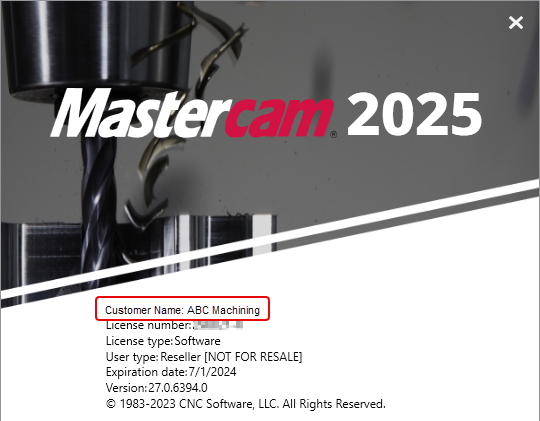
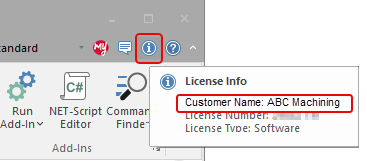
Mastercam shows the customer's name in three places, as shown in the following images. Note that Mastercam displays the customer name only for customers with a software License. Other types of licenses do not show the customer name.
-
The Mastercam splash screen
-
The License Info button at the upper-right side of the graphics window
-
The Help page of the Backstage