Solid Sweep panel
Solid Sweep uses closed, planar chains of curves swept along an open or closed chain to create one or more new solid bodies, cuts on an existing body, or bosses on an existing body. Mastercam sweeps chains of curves by translating and rotating the shape of the curves along the entire distance of a single chain of curves.
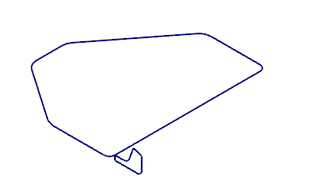
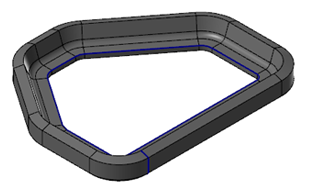
 How does the Guide chain affect my results?
The Guide chain influences the result of the Profile chains as it travels the Along chain. The images below depict the orange wireframe (the Profile chain) swept across the blue wireframe (the Along chain). The green wireframe is the selected Guide chain.


- Guide chains that are offset by 180 degrees from the Along Chain yield the most predictable results.
-
Guide chains are not limited to the same plane as the Along Chain.
How do I use End profile chains?
End profile chains allow you to transition from one profile to another while traveling down the Along chain. To use an End profile chain, you must first chain the starting Profile chains and the Along chain. In the Sweep function panel, select Add end profile chains to modify your sweep results.


Each profile must have an equal number of entities, but the profiles do not need to be chained in sync. The chains must contain the same number of entities, even if the shape is different.
Do I need to fillet sharp corners before using Solid Sweep?
No, the profile geometry can run along sharp corners. If Mastercam encounters any sharp corners, it will miter them for you.

Does Solid Sweep support 3D Along curves?
Yes, Solid Sweep supports using 3D Along curves, in addition to 2D Along curves, when making your solid.


