Surface Draft panel
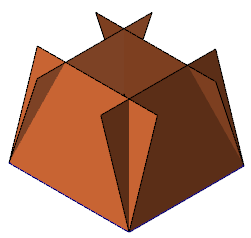
Use this function to create draft surfaces. Chain the entity (lines, arcs, or splines) from which you want the draft surface to be created, and use the buttons and fields in the function panel to define the draft direction, draft angle, and position where the surface ends. Besides surfaces, you can also use this function to create sheet solids or meshes.
NOTE
- You can select multiple entities to chain. Mastercam creates a separate draft surface for each individual entity in each chain.
- A zero value entered in the Angle field produces no tilt and is the equivalent of an extrusion perpendicular to the construction plane.
- For surfaces created to a plane, Mastercam creates trimmed surfaces in cases where the plane is defined at an angle other than perpendicular with respect to the draft direction.


