Chamfer Entities panel
Use the Chamfer Entities function to chamfer existing entities. You can also choose to trim to the chamfer or to leave the selected entities untrimmed.
 How can I easily modify multiple entities?
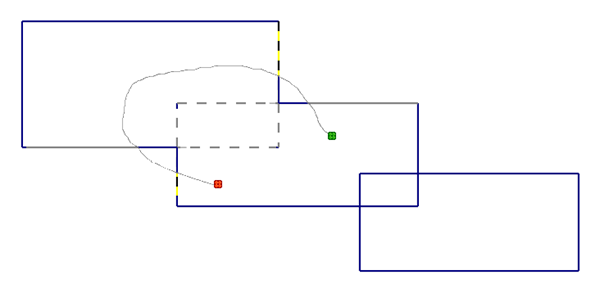
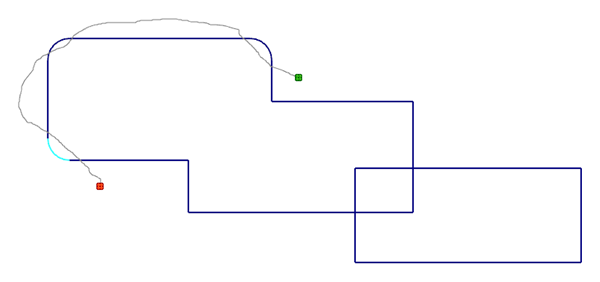
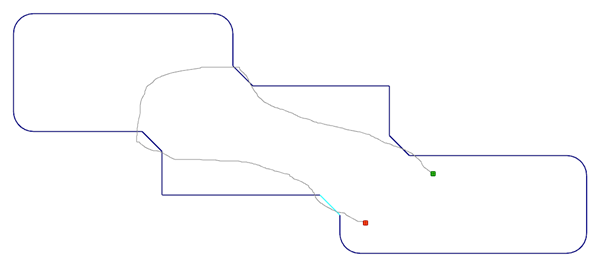
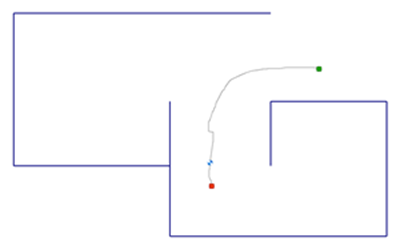
Modify multiple entities by holding down the left mouse button and dragging the cursor across the entity. The pictures below illustrate how this works for different functions.
The first image shows entities before modification. The second image shows how the entities are divided after dragging the mouse.
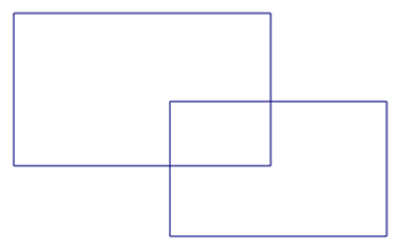
You cannot drag the cursor to trim entities when you use the Auto method.