Divide panel
Use the Divide function to trim a line, arc, or spline into two disjointed segments by removing the segment that lies between two dividing intersections or a single intersection and an endpoint. Divide can also be used to delete entities with no intersections.
 How can I easily modify multiple entities?
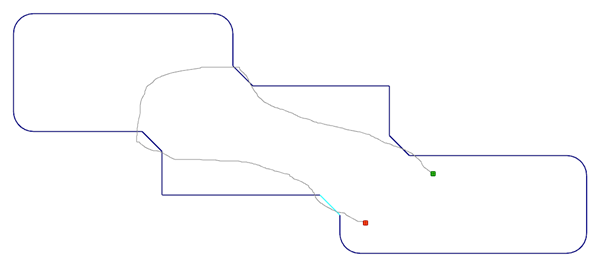
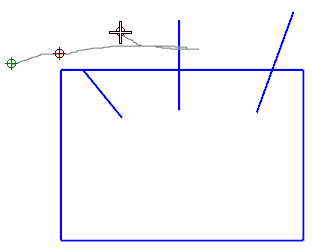
Modify multiple entities by holding down the left mouse button and dragging the cursor across the entity. The pictures below illustrate how this works for different functions.
The first image shows entities before modification. The second image shows how the entities are divided after dragging the mouse.
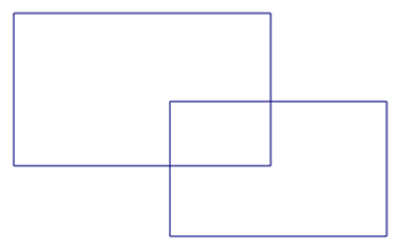
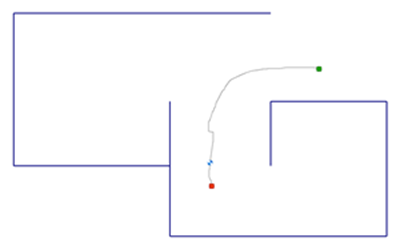
You cannot drag the cursor to trim entities when you use the Auto method.
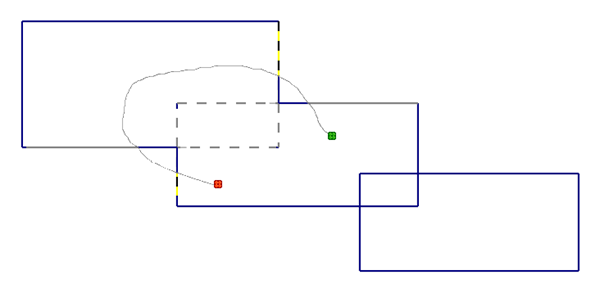
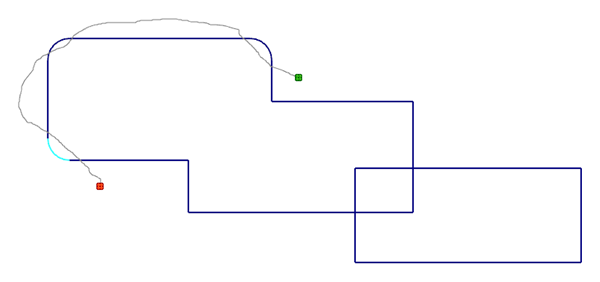
 How do I use undo with Divide?
To undo a change, continue to hold the left mouse button down and move your mouse over the marker that Mastercam displays at the trim/break location. Mastercam remembers the sequence of your trim and break actions, so you can undo more than one past action.

If you complete a divide sequence (releasing the mouse button), you still have the option to use the controls on the Quick Access Toolbar, or [Ctrl+Z] and [Ctrl+Y] to undo or redo your actions.


