Ellipse panel
Use the Ellipse function to create an ellipse as wireframe geometry. You can also create a surface, sheet solid, or mesh entity. An ellipse can be created as a NURBS curve or as multiple arc or line segments. The Tolerance option is only available when creating an ellipse as arc or line segments.
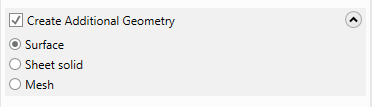
To simultaneously create other types of geometry as you create the wireframe, select the Create Additional Geometry option, and then choose Surface, Sheet solid, or Mesh, as shown in the following image. Mastercam then creates the wireframe along with the type of additional geometry you selected. For example, if you create a circle with Create Additional Geometry checked and Surface selected, Mastercam creates a circle filled with a surface.
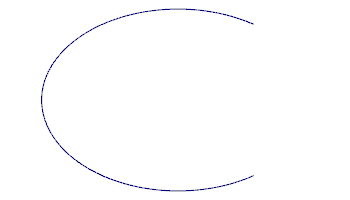
 How do I create a partial ellipse?
You can create a partial ellipse by entering a Start angle greater than 0 degrees and/or an End angle less than 360 degrees, under Sweep Angle.