


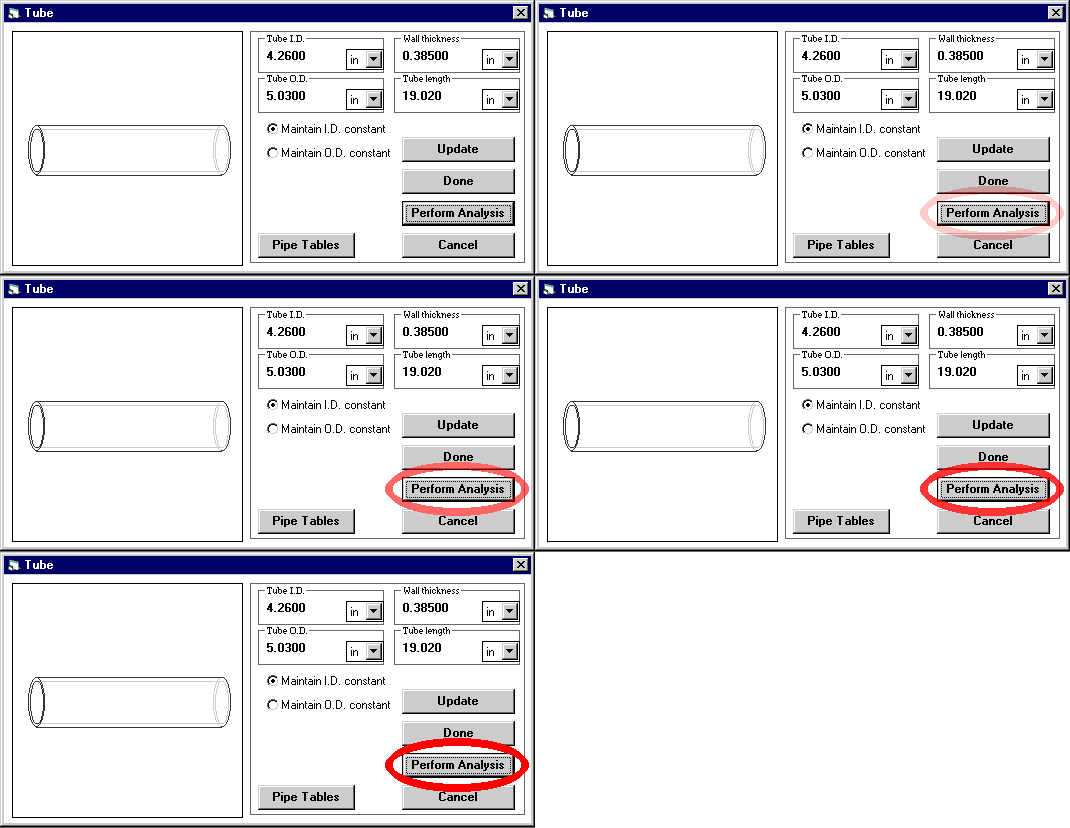
In the above Geometry Dialog Box, the dimensions of the cylinder are entered.
If the dimensions are changed, the drawing displayed changes in relation to the new dimensions.
Once the designer has entered all parameters necessary for Under Pressure to perform its analysis, he clicks on the Perform Analysis button in the Geometry Dialog Box, and the results are calculated and displayed in the Analysis Dialog Box.
 Copyright
© 1998, All Rights Reserved, DeepSea Power & Light
Copyright
© 1998, All Rights Reserved, DeepSea Power & Light