Associativity panel: Drafting
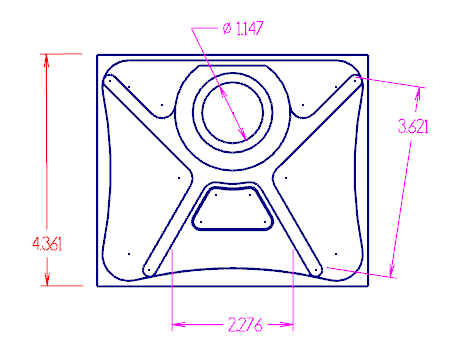
Use Associativity to have Mastercam display which dimensions are associated to geometry. This function is located under Validate on the Drafting tab. After entering the function, select the drafting entities you wish to check, and press [Enter] or select End Selection.
Mastercam displays dimensions that are associative with the Result color (purple) and dimensions that are not associative with the Group color (red). Rolling your mouse over associative dimensions highlights the geometry it is associative to. Mastercam will also display how many selected dimensions are associative.
 How do I use this Panel to Restore Lost or Invalid Associativity Between Entities?
The Re-associate with geometry option on this panel can restore relationships between wireframe or drafting entities that have lost their associativity. To do this, it finds points in the file's wireframe geometry that can replace existing invalid associations.
The following example shows how to use the panel option to accomplish this task. During the life of this file, the base dimensions of the two ordinate groups lost the geometry that defined their position. Theses two drafting entities are "dirty" (missing associative geometry) as indicated by their color.
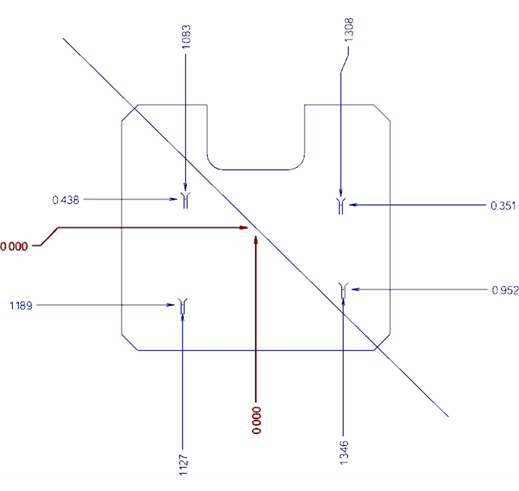
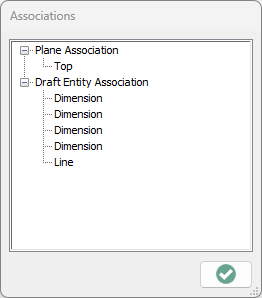
Analyzing either of these drafting entities confirms that the only associations they maintain are to the plane and to their four children.

-
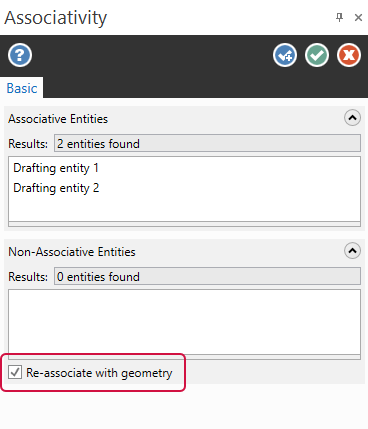
Open the Associativity panel.
-
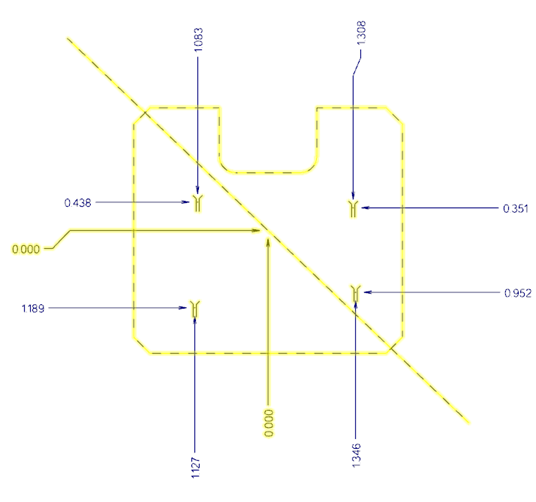
Select the dirty drafting entities and the part geometry, and click End Selection.
-
Confirm that the Re-associate with geometry option is selected.
-
Click OK.
-
Validate the replacement geometry to complete the restoration.
-
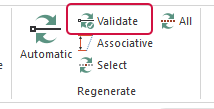
Click the Validate function on the Drafting ribbon.
-
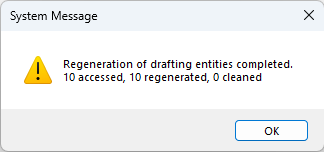
A system message displays showing that Mastercam regenerated all ten of the file's drafting entities. Click OK to acknowledge the message.
-
All drafting entities previously marked "dirty" should now display "clean."
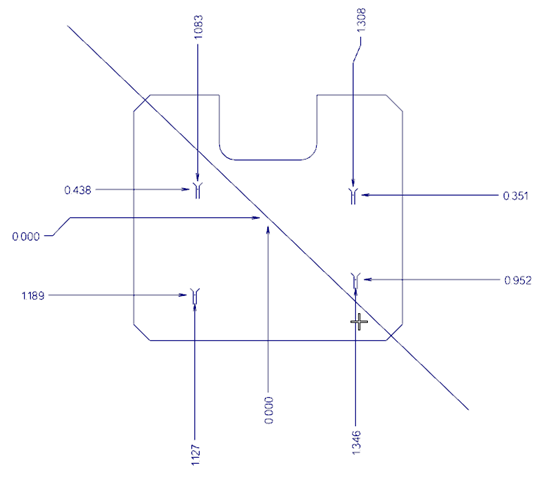
Now, an analysis of either of these drafting entities shows that you have created an valid association with a suitable wireframe entity.