Comparing Note to Create Letters
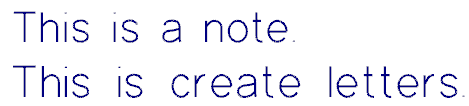
Note and Create Letters are functions in Mastercam that allow you to create alphanumeric characters. Although the output from these functions can be identical in appearance (as seen in the following image), the functions have different purposes. Use Note for annotations and Create Labels for machinable geometry.
 When do I use Note?
Use Note (found in the Drafting tab) for annotation purposes. For example, you may wish to leave information for others who work with your file, or reminders for yourself.
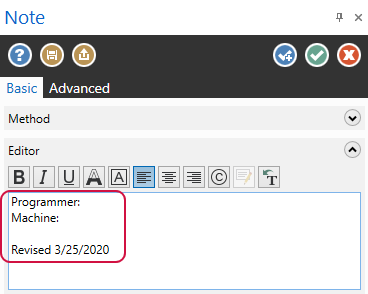
You may also wish to use Note when your text will change. One of the benefits of Note is that it allows you to edit text across Mastercam sessions and releases.
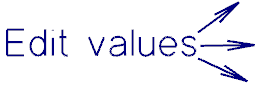
If your annotation refers to a specific point in your file, use a label. Labels are notes that use leader lines to point to drafting entities. Use them to point out areas of importance.
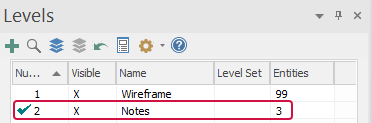
To keep your annotations organized, create a level specifically for notes and labels that is active on startup. You will see relevant information, then be able to remove it from view while working on the file.
When do I use Create Letters?
Use Create Letters (found in the Wireframe tab) to include machinable geometry in your part. For instance, you may wish to include a machinable company name on your part.
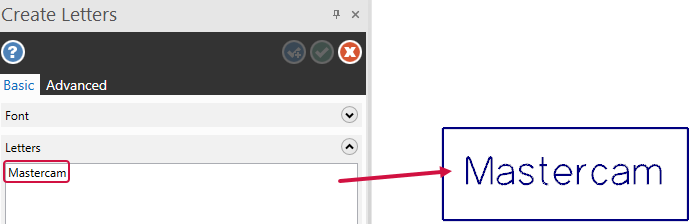
The Create Letters output is made of lines, arcs, and NURBS splines. This allows the text to be machinable.
Once you hit OK to end the Create Letters function panel, your ability to edit is gone. The text becomes deletable, but not changeable.


