Arc Tangent panel
Use the Arc Tangent function to create arcs with a specified tangent mode. Hover over Method to view the description of each type.

 Guidelines for creating tangent arcs
Mastercam provides many ways of creating arcs and cylinders tangent to entities. Use the following guidelines and rules when creating arcs and cylinders tangent to entities:
-
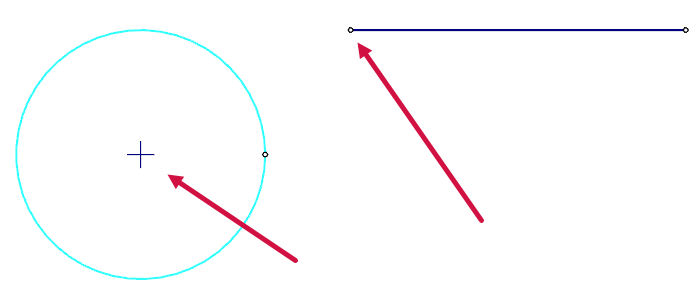
You can create arcs on an extended portion of the selected geometry. The red arrows indicate the center point and the line it is tangent to.
-
When you create a circle tangent to two curves, the radius of the circle must be greater than or equal to half the distance between the closest points on the two curves.

-
When you create an arc tangent to a line or arc with a defined edge point, the radius of the arc must be greater than or equal to half the distance between the selected entity and point at the closest pass between them.


