Line Bisect panel
Use the Line Bisect function to create a bisecting line between two existing lines. Mastercam can automatically create a single bisecting line, or you can manually choose a line from four solutions.
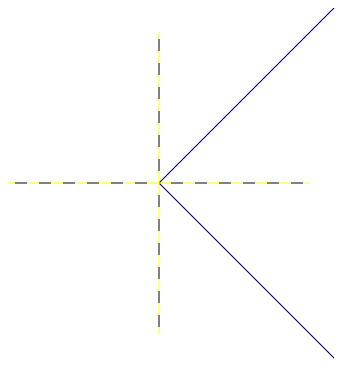
Mastercam creates a bisecting line when you select two intersecting lines. For parallel lines, Mastercam creates a midline, which begins midway between the start of the first selected line and the closest endpoint of the second selected line.
 I
don't see the bisecting line. Where is it?
I
don't see the bisecting line. Where is it?
Use the Fit function to quickly view all visible geometry in the graphics window.
Mastercam creates the bisecting line at the intersection of the two selected lines. Sometimes the intersection is beyond the graphics area. In this case, the bisecting line will be out of view.


