Silhouette Boundary panel
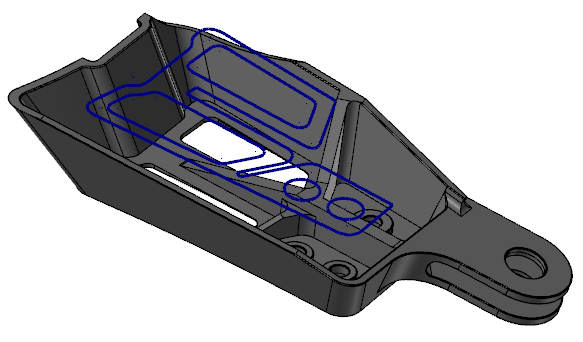
Use the Silhouette Boundary function to create a boundary curve around a set of surfaces, solids, meshes, or solid faces. Silhouette Boundary creates a 2D curve which represents the projection of the selected geometry onto the construction plane and is created at the current Z depth. A silhouette boundary is typically used as a tool containment boundary for toolpathing. Set the filter options to specify the boundary properties.
 What other functions can create boundaries?
If you need a boundary that requires additional XY offset or a Z offset, use the CreateBoundary Add-In. The offsets can give extra room for tool compensation when using the boundaries as tool containment.
If you need a generated profile that is created by rotating a solid around the current WCS X axis, or Lathe Z axis, use Turn Profile.


