Primitive Block panel
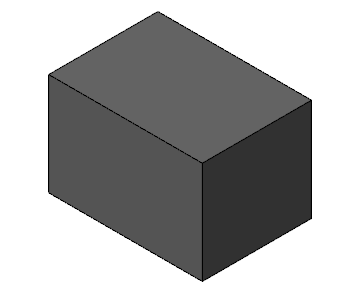
Use the Primitive Block function to create a block as a solid, surface, or mesh model. This function also displays when you create a rectangular Safety Zone for Multiaxis toolpaths. Mastercam creates a point in the center of the first rectangle you define for the block. This point can be useful for editing the solid entity.
 How do I use the Push-Pull options on the Advanced tab?
The Push-Pull options on the Advanced tab of the Block, Cylinder, or Bounding Box function panel allow you to extend the shape of the geometry by using the control arrow and ruler in the graphics window. The Absolute and Incremental options set the push-pull scale.
Absolute sets the push-pull scale to measure from the face opposite of the selected face. For example, you can create a 2-inch block from 0.175-inch block by dragging the ruler 2 inches. You can also type the value and press [Enter] to place the ruler.

Incremental sets the push-pull scale to measure from the current location of the selected face. For example, you can make 2-inch block 1.2 inches taller by dragging the ruler 1.2 inches. You can also type the value and press [Enter] to place the ruler.

While in Push-Pull mode, you can do the following:
-
Press [Enter] to finish resizing.
-
Press [Esc] to undo resizing.
-
Select a new face as your base.


