Primitive Sphere panel
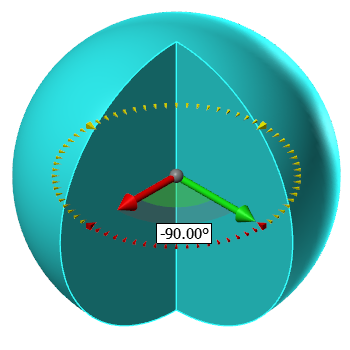
Use the Primitive Sphere function to create a sphere as a solid, mesh, or surface model. This function also displays when you create a spherical Safety Zone for Multiaxis toolpaths. Create the sphere by clicking in the graphics window to set the base point and dragging outwards to set the radius. While the sphere is live you can change the base point, radius, and sweep angle. Mastercam creates a point in the center of the sphere. This point can be useful for editing the solid entity.
Click and drag the on-screen sweep angle control arrows to adjust the Start and/or End of the Sweep Angle. After creating the sphere shape, you can click a face to display the sizing arrow. Click and drag the arrow to resize the sphere. The Radius fields in the Primitive Sphere function panel updates with the current radius.