Connecting to FIDO
On site: the local hotspot
- Power on the FIDO and wait for the controller to start. See Power and Enclosure.
- On your laptop, tablet or phone, open the WiFi settings and join the FIDO's network. Its name and password are shown on the Management page under Local WiFi Name and Local WiFi Password, and should also be on the label on the enclosure.
- Open a web browser and go to https://10.42.0.1.
- If the browser warns that the connection is not private, continue anyway. The FIDO uses its own security certificate, which browsers don't recognize.
To confirm
How long the controller takes to boot before the hotspot appears, and whether the hotspot name and password are printed on the enclosure.
The local interface does not ask you to log in. It goes straight to the Device page for that FIDO.
Tip
Your device may say the WiFi network "has no internet" and try to switch back to cellular. Tell it to stay connected, or the page won't load.
Remotely: the READI-Net Cloud
- Go to https://prod.readinet.org.
-
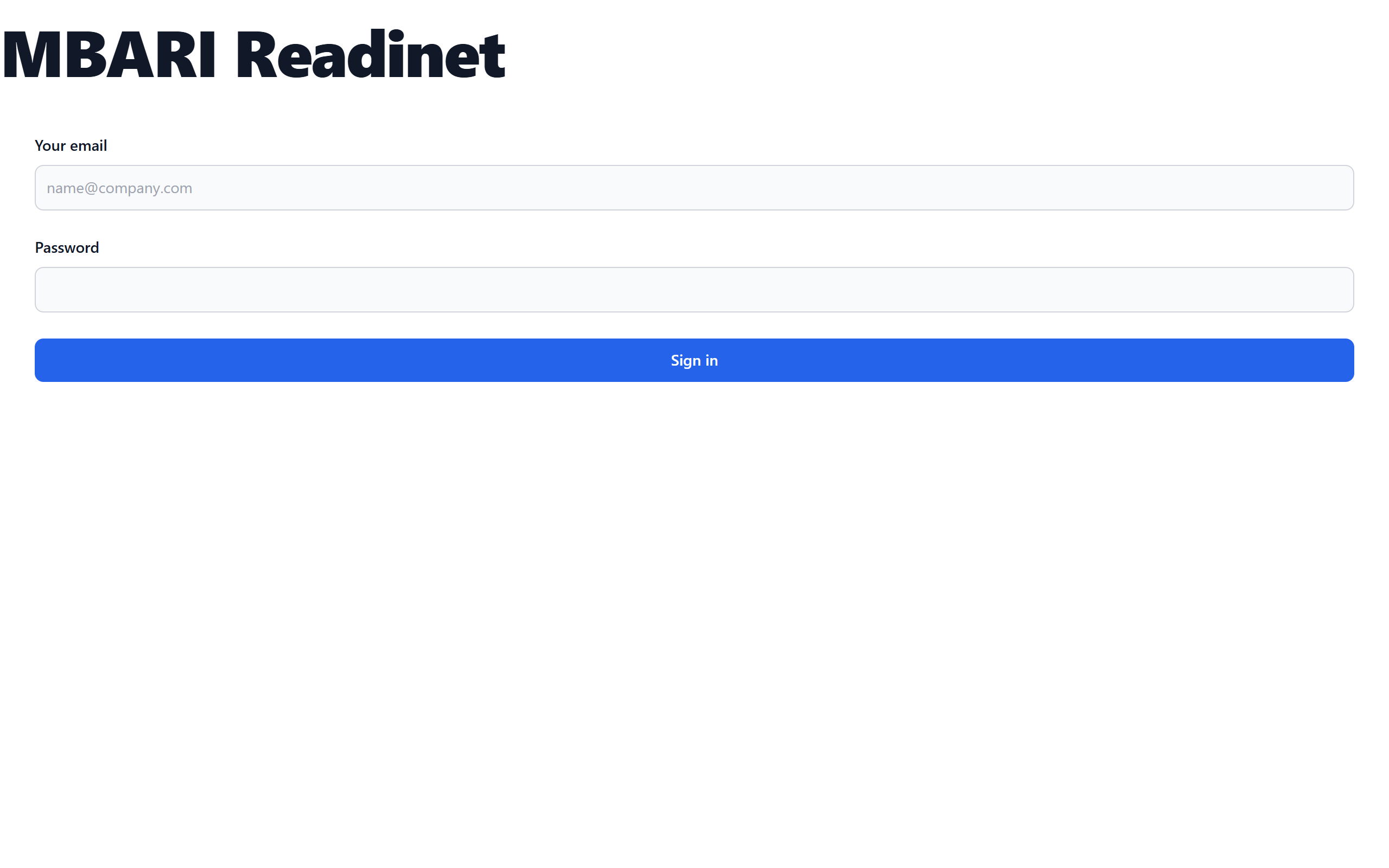
Sign in with your email and password. If you don't have an account, ask your organization's administrator to create one.
-
If you belong to more than one organization, choose one from the Organization menu at the top of the side menu.
- Click Devices to see your organization's FIDOs, then click one to open its pages.
A FIDO only appears in the cloud after it has been adopted into your organization. See Remote Management.
Finding your way around
The side menu on the left (at the top on a phone) has two parts.
- Organization (cloud only)
- Devices, Deployments, and, for administrators, Users.
- Device (once you've opened a FIDO)
- Device, Schedule, Management, Events, Samples and Data, Maintenance and Service Log.
Puck Scan isn't on a FIDO's menu. It's on the separate Puck Scan Station.
The software version is shown at the very bottom of the side menu. On a phone this footer is hidden. Use a laptop or turn the phone sideways if you need it.