Service Log
Side menu → Service Log**
A notebook for this FIDO. Record anything done to the instrument so the next person knows its history: hardware changes, repairs, firmware updates, configuration changes, problems and fixes.
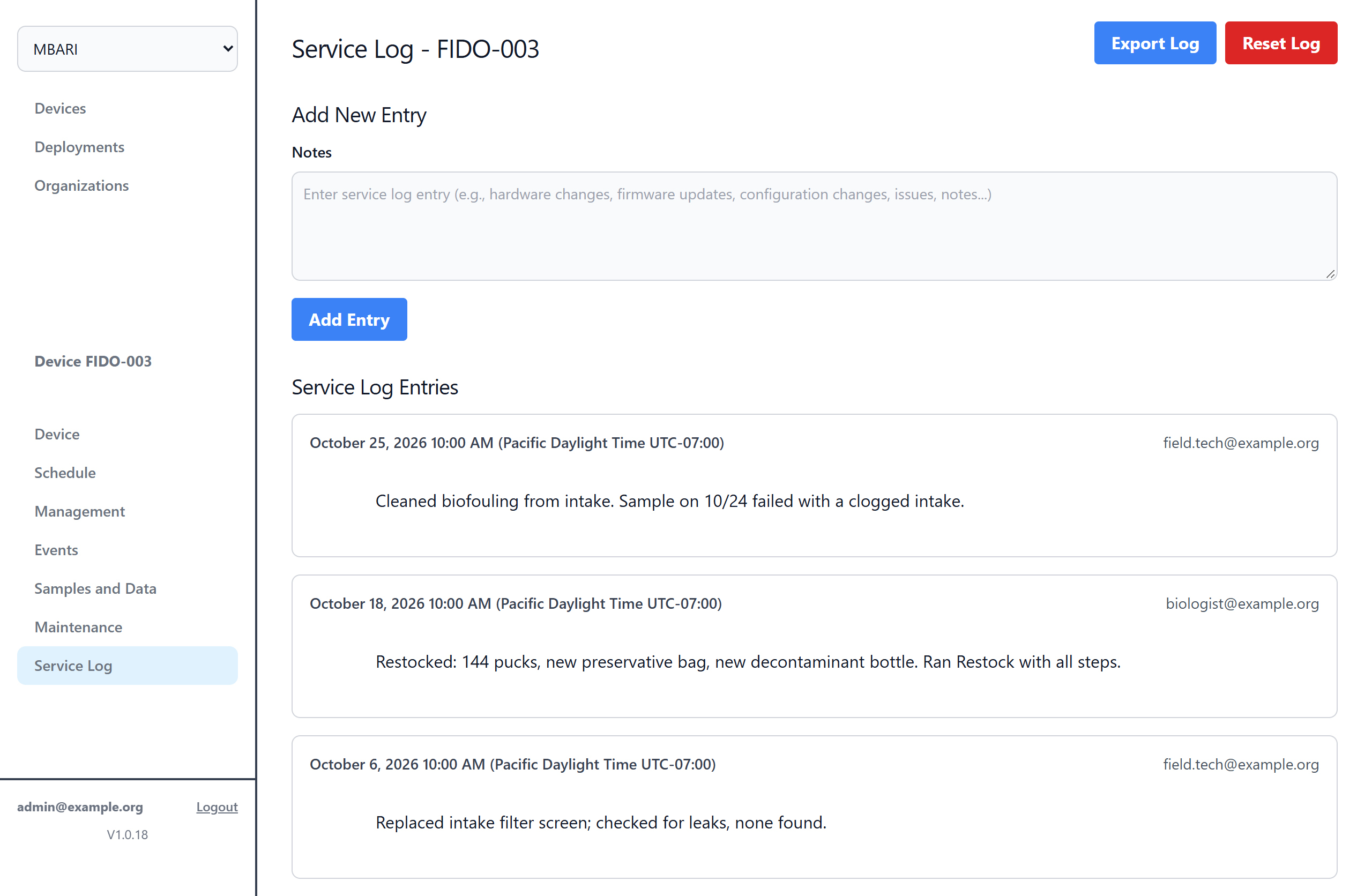
Add New Entry
Type in Notes and click Add Entry. Entries are listed under Service Log Entries with the time they were added.
Tip
Write what you did and why, and include part or serial numbers. For example: "Replaced intake filter screen (clogged with algae). Ran Check, READY."
Export Log
Export Log downloads every entry as a text file.
Reset Log
Reset Log downloads all entries as a text file and then permanently removes them from the web interface.
Danger
Reset Log can't be undone. Only use it if your administrator asks.