Events
Side menu → Events**
A running log of what the sampler is doing and has done, newest at the bottom. This is the first place to look when something didn't go as expected.
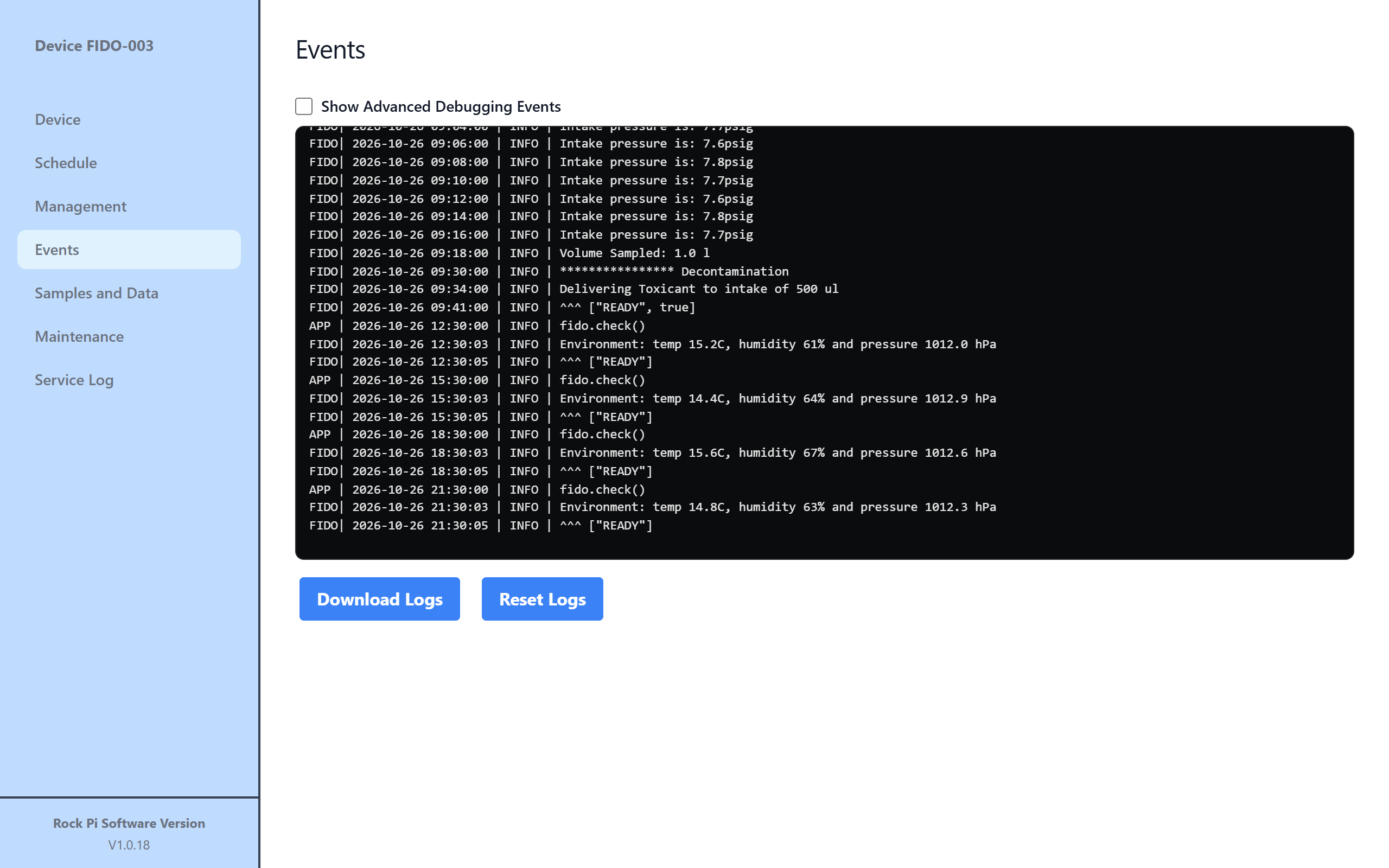
Lines marked FIDO come from the sampler itself. Lines marked APP come from the controller, for example the command it sent.
- Show Advanced Debugging Events
- Adds detailed technical lines to the log. Useful when you're working with an engineer to diagnose a problem.
- Download Logs
- Saves the log to your computer. Attach it when you report a problem.
- Reset Logs
- Downloads the logs as a zip file and then removes them from the web interface.
Danger
Reset Logs can't be undone without a system administrator. Only use it if you've been asked to.