Deployments
Cloud only. Side menu → Deployments**
A deployment record is your organization's notebook for one field campaign. It's separate from the device: fill it in by hand to document where, when, who and why.
Note
The deployment record is not the same as the Deployment ID set on a device. The Deployment ID is a short code stored with each sample and printed on puck labels. It's good practice to use the same name for both.
Deployment list
Shows each deployment with its Created, Start, End and Location. Click New Deployment to create one, or click a deployment to open it.
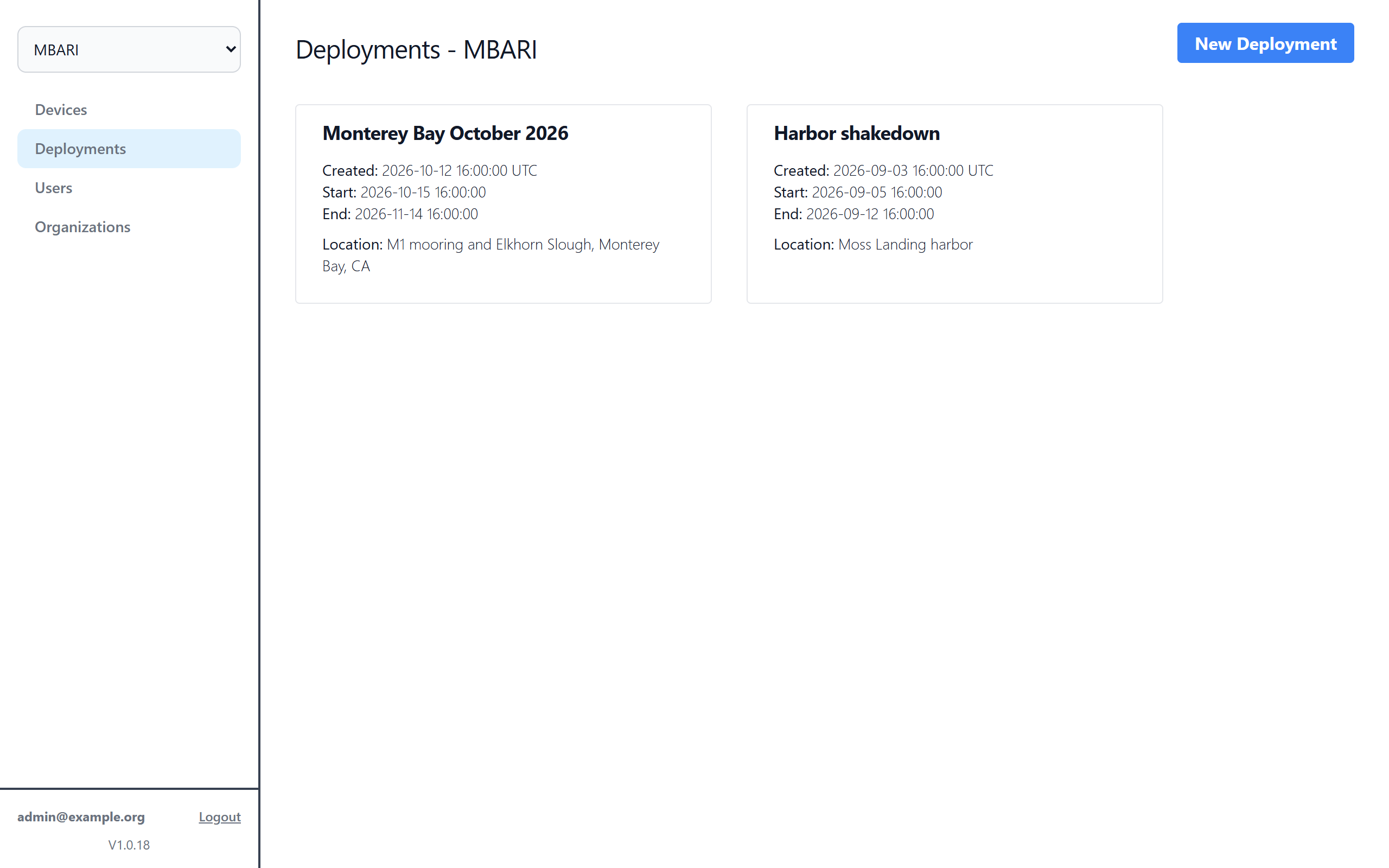
A deployment
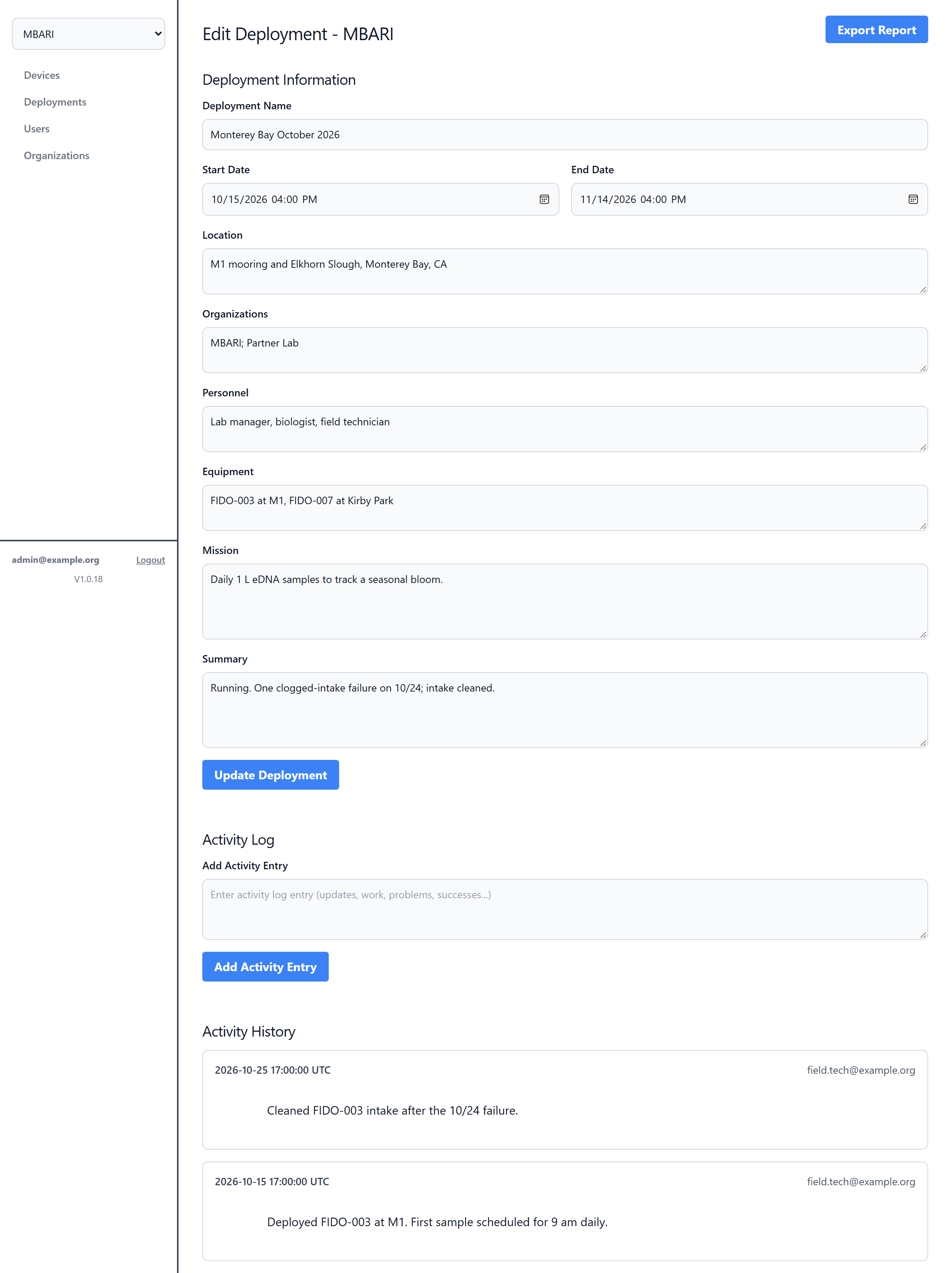
Deployment Information
| Field | What to enter |
|---|---|
| Deployment Name | A name for the campaign |
| Start Date / End Date | When the FIDO went in and came out |
| Location | A description of the site |
| Organizations | Agencies or groups involved |
| Personnel | People involved |
| Equipment | Which FIDO(s) and other gear were used |
| Mission | The purpose of the deployment |
| Summary | Overall outcome, written at the end |
Click Create Deployment (or Update Deployment for an existing one) to save.
Activity Log
Type a note (updates, work done, problems, successes) and click Add Activity Entry. Entries are listed under Activity History with the time they were added.
Export Report
Export Report downloads the deployment information and full activity history as one file for your records.