Devices
Cloud only. Side menu → Devices**
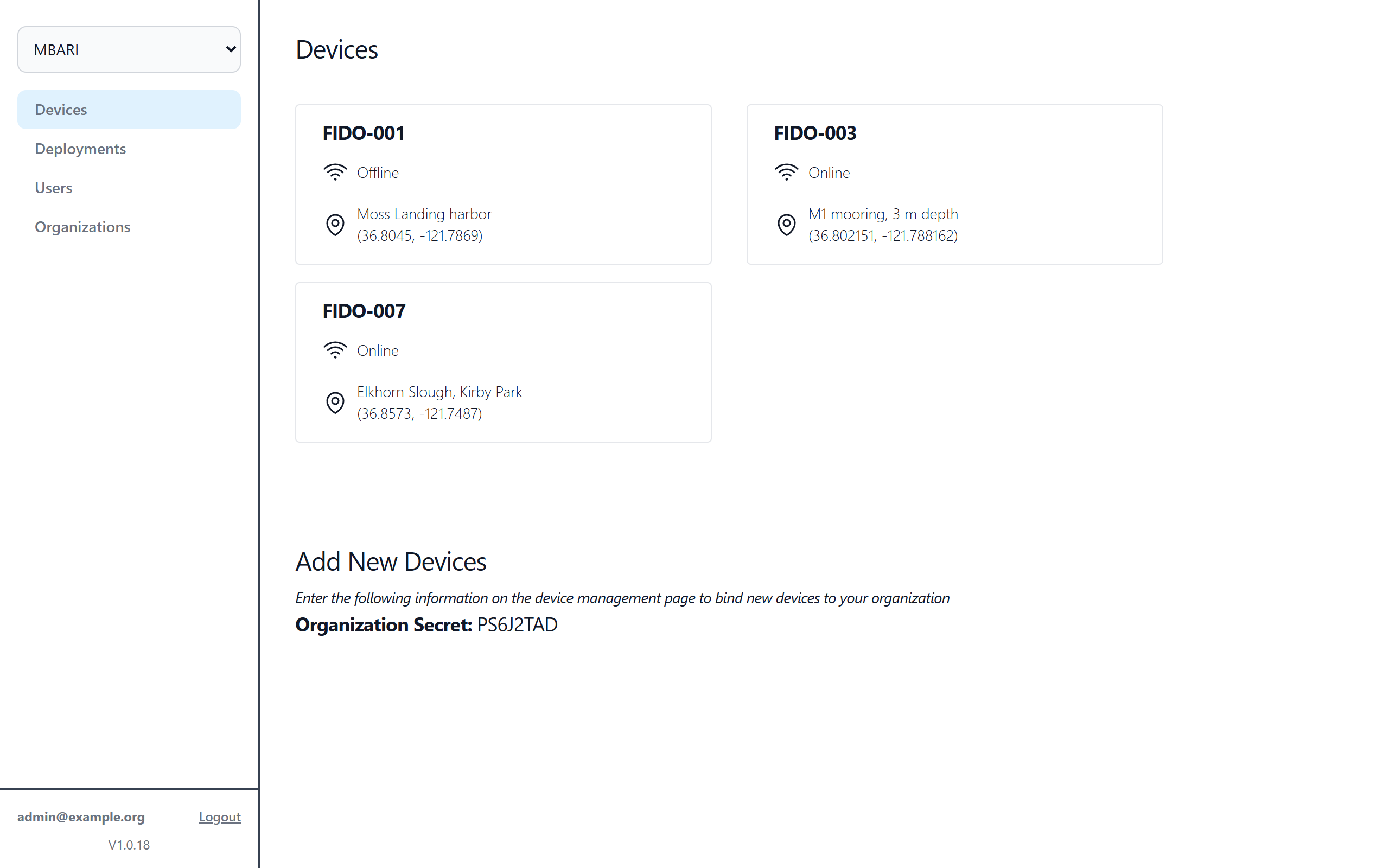
Lists every FIDO adopted into the organization selected in the Organization menu. Each card shows Online or Offline (whether the FIDO has checked in with the cloud in the last 5 minutes) and its site name and coordinates. Click a device to open its Device page. The device pages then appear in the side menu.
Add New Devices
This section shows the Organization Secret. To bring a new FIDO into this organization, enter this secret on that FIDO's Management page under Remote Management → Adopt.
Warning
Treat the Organization Secret like a password. Anyone who has it can attach a FIDO to your organization.